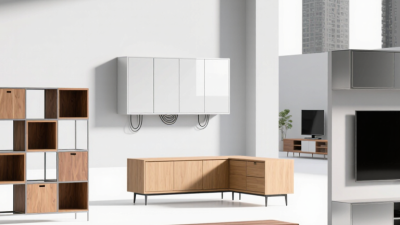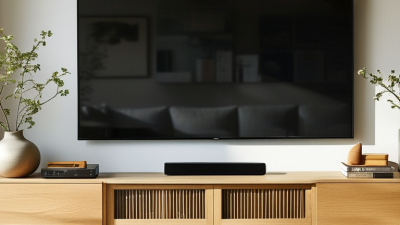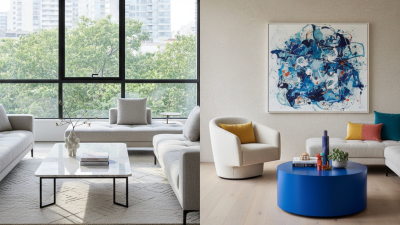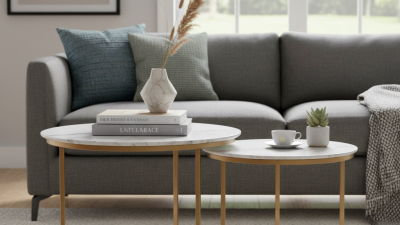
Choosing a Tv Console Table is not just a styling decision. It affects viewing comfort, storage, cable management, and how the room feels every day. A console that looks elegant online may overwhelm a narrow living room, or leave a television base awkwardly close to its edges. Measure twice. Check the wall, the screen, and the space around nearby doors before comparing styles.
Interior designer Nate Berkus offers a useful principle: “Your home should tell the story of who you are, and be a collection of what you love.” That idea applies to practical furniture, too. A good console should suit your habits, not only your color scheme. Think about the remote controls, game systems, books, or baskets you actually keep nearby. Check shelf height and depth, look for openings that help cables pass through, and consider ventilation for electronics. Small details matter.
There is no flawless formula. A glossy finish can show fingerprints; a deep cabinet can steal valuable floor space. These trade-offs are easy to miss in a product photo. This guide explores ten practical ways to compare size, materials, storage, stability, style, and price before you buy. It also encourages a final, slightly unglamorous step: measure the television stand itself, then compare it with the console’s usable top surface. A few careful checks can help you choose a piece that feels right long after delivery day.
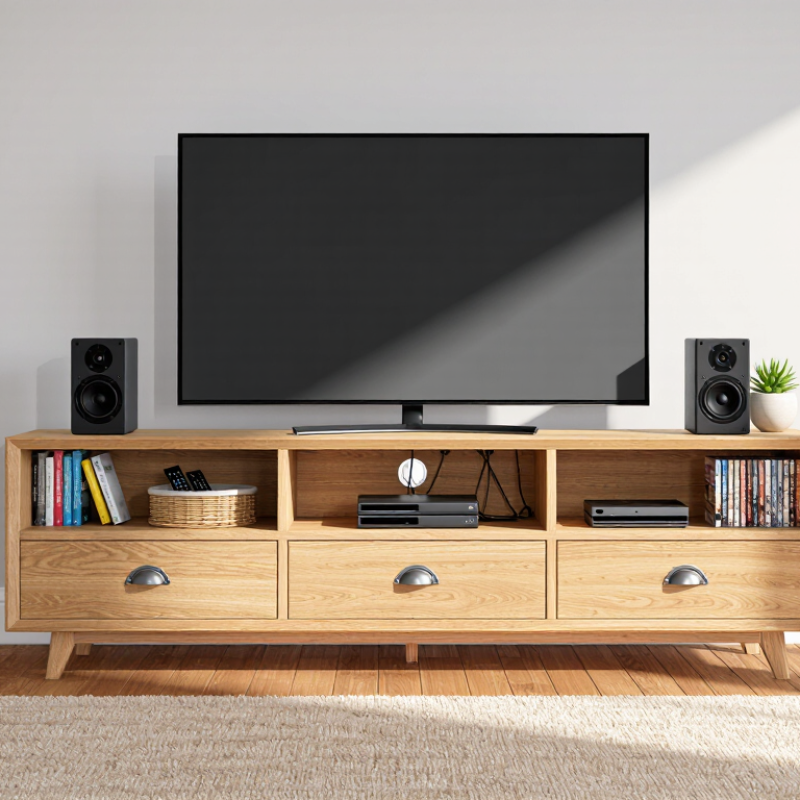
Before choosing a TV console table, map the room as it is actually used. Measure the television’s width, the stand’s footprint, and the space between the screen and seating. Leave enough room for doors, drawers, and walkways to open without bumping into furniture. Measure twice. Note nearby windows, glare at different times of day, and the location of power outlets. A console that fits an empty wall may feel awkward once a recliner or side table is in place. I have misjudged this before: one table looked right on paper, but blocked a drawer when the room was set up.
Check how the television will sit on or above the console. For a standing TV, confirm that the feet fit securely and rest well inside the table’s edges. If the screen is wall-mounted, consider where cables will descend and whether devices need open shelves for airflow. Keep game systems, receivers, and streaming devices accessible, not wedged behind decorative objects. Small details matter. Sit in your usual viewing spot and check that the screen feels comfortable at eye level. Then walk through the room with the lights on. A little extra clearance can be more useful than a wider tabletop, though I still sometimes underestimate how much cable space I need.
Compare approximate screen width with a suggested minimum console width to help plan your TV setup.
How to use this chart: Screen widths are calculated for standard 16:9 TVs. The suggested minimum console width adds 6 inches to the screen width. Measure your available wall space and check clearance for walkways, doors, vents, and cables before choosing a console.
Measure the wall, not just the empty floor beneath it. Note the width between door trim, the depth available before a walkway, and the height of nearby outlets. RTINGS’ TV-size guide estimates a typical 65-inch, 16:9 screen at about 56.7 inches wide, before accounting for its bezel. Use the actual television width when possible; screen size alone can mislead. A console roughly 4 to 8 inches wider than the TV on each side often looks balanced, while leaving space for speakers or a small lamp.
Depth matters too. Measure from the wall to the front edge of the console, then check that drawers and cabinet doors can open without blocking a path. For a wall-mounted TV, allow room for cables to bend gently behind the screen. For a standing TV, check the stand’s footprint and keep it fully supported. Small detail. Measure twice. I still forget the outlet sometimes. For height, sit where you usually watch and compare your eye line with the screen’s center; a console that looks right in a showroom may place the picture too high at home. Mark the proposed width and depth on the floor with painter’s tape, then walk around it before ordering.
Compare storage by listing the devices you actually use: a streaming player, game console, router, and maybe a soundbar. Measure their width and height before choosing a console. Shallow drawers can hide remotes and spare cables, but they may not fit bulky controllers. Open shelves keep devices easy to reach and help prevent heat from building up. Closed cabinets look tidy, though solid doors can block remote signals or trap warmth. Measure twice.
Device organization matters just as much as capacity. Check for rear cable openings wide enough for plugs, not just thin wires. Leave space around consoles and receivers so air can circulate. Cables matter. A shelf with adjustable heights can accommodate equipment that changes over time, while a power strip tucked inside needs safe airflow and easy access. If your router sits behind a closed door, test the signal before settling on that layout. One small mismatch can make a beautiful console awkward in daily use. And storage claims can be optimistic: compare the listed interior dimensions with your actual devices, including cables and ventilation space.
| # | What to Compare | Practical Check | Storage and Device Organization | Useful For |
|---|---|---|---|---|
| 1 | Console width | Measure the TV’s overall width and the available wall space. A console wider than the TV often creates a balanced look, provided it fits the room. | Check that the top has enough clear space for the TV stand and any separate speakers. | Most living rooms |
| 2 | TV and shelf weight limits | Compare the manufacturer’s stated weight capacity with the TV and equipment weights. Follow any separate limits for shelves and the top surface. | Place heavier components on lower shelves when the furniture instructions permit it. | Large TVs or multiple components |
| 3 | Open shelves vs. closed cabinets | Decide whether easy access or a less visible setup matters more. Open shelves make equipment accessible; doors conceal clutter. | Check that cabinet doors do not block remote signals or access to controls. Some solid doors can interfere with infrared remotes. | Visible setups or tidy rooms |
| 4 | Equipment compartment size | Measure each device, including plugs and cable bends. Compare these measurements with the usable interior space, not just the outside dimensions. | Allow room to reach ports and remove devices without shifting other equipment. | Streaming devices, consoles, and receivers |
| 5 | Ventilation | Look for open backs, ventilation cutouts, or sufficient clearance around equipment. Follow each device’s ventilation guidance. | Avoid tightly enclosing heat-producing electronics in an unventilated compartment. | Receivers, game consoles, and other electronics |
| 6 | Cable management | Check for rear openings or cable channels and confirm they line up with the wall outlets and device locations. | Plan separate routes for power and signal cables where practical, and keep plugs accessible. | Multi-device or wall-adjacent setups |
| 7 | Adjustable shelves | Compare shelf spacing with the height of current devices and allow for any future equipment you expect to add. | Adjustable shelves can accommodate devices of different heights and simplify cable access. | Changing or mixed equipment |
| 8 | Drawers and small-item storage | Check drawer dimensions and how smoothly they open in the available floor space. | Use drawers for remotes, manuals, and small accessories rather than devices that need airflow or direct access. | Households with accessories to organize |
| 9 | Stability and anchoring | Look for a stable base and follow the assembly and wall-anchoring instructions supplied with the furniture. | Secure the console as directed, especially in homes with children or pets; keep heavy items low. | Family rooms and busy spaces |
| 10 | Room layout and access | Measure the console depth and leave enough clearance for walkways, doors, drawers, and nearby seating. | Make sure cables can reach outlets and that stored devices remain easy to reach after installation. | Compact or open-plan rooms |
A TV console should feel connected to the room, not like a separate purchase. Start with the materials already in view: oak flooring, a stone hearth, or a woven rug. The 2024 U.S. Kitchen Trends Study reported that roughly one in four renovating homeowners chose wood-tone cabinetry. That does not prove wood suits every living room, but it shows its lasting appeal. Treat it as a cue, not a rule. Solid wood brings visible grain and can be refinished, though it may respond to humidity. Veneered panels offer a similar look and often weigh less; inspect the edges, where chips can reveal the core. For a busy home, test drawer movement and check whether the finish wipes clean without special products. Small details matter.
Match the console’s shape to the room’s mood. A low, simple profile can calm a space with patterned curtains, while rounded corners soften a room full of sharp lines. Black metal legs add contrast, but can look harsh beside warm floors. Bring home a finish sample if possible; evening light can shift its color more than expected. Measure the screen, wall, and walking path before choosing width. Leave room for ventilation and cable access, too. I would not chase a perfect wood match. Slight variation can look natural, though mismatched undertones sometimes feel accidental. Trust your eye, then check it twice.
Tip: Test stability before styling. Place the console on a level floor, then gently press each front corner. It should not rock or flex. Match the table’s rated load to your television’s weight, and keep heavy items low. The U.S. Consumer Product Safety Commission’s 2020 report recorded 451 reported deaths involving furniture and TV tip-overs from 2000 to 2019; 81 percent involved children. These figures make secure placement more than a cosmetic detail. If the unit feels unsteady when empty, do not assume a television will improve it.
Tip: Leave breathing room around electronics. Check each device’s manual for clearance guidance, then keep vents clear of cabinet walls and stored objects. A receiver tucked into a tight cubby may run hot, even when the cabinet looks tidy. Open-backed shelves can help airflow, but they also collect dust. A small compromise, perhaps.
Tip: Plan cable routes before buying. Look for rear openings large enough for plugs, not just thin cords. Keep power and signal cables from tangling, and avoid pinching them against the wall. Labeling both ends can save time when you move a console or replace a device. A loose loop behind the cabinet is easy to overlook—and easy to snag while cleaning.