What Is a Modern TV Stand?
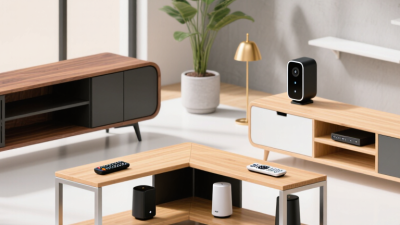
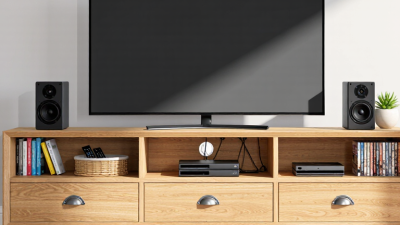
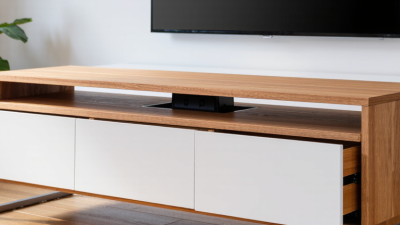
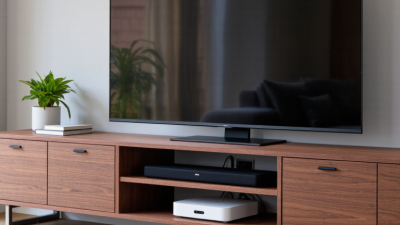
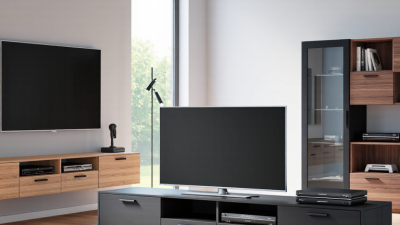
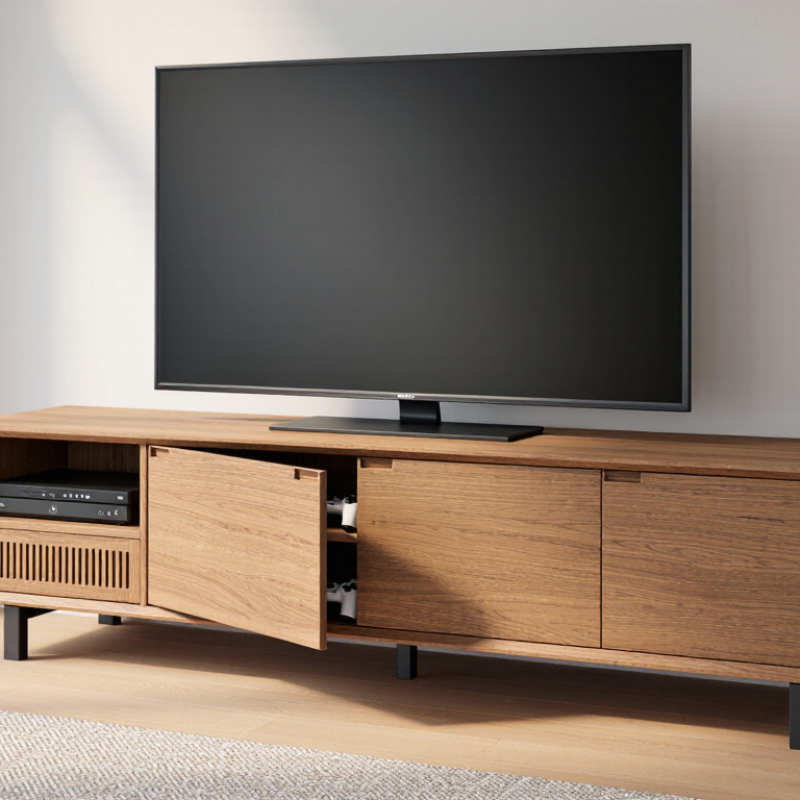
A Modern Tv Stand is more than a platform beneath a screen. It organizes cables, supports media equipment, and helps define the room’s visual balance. Picture a low oak cabinet, a television above it, and game controllers tucked behind a closed door. Small choices matter: shelf depth, ventilation, storage, and whether the stand suits the wall and screen. The term can describe many designs, so there is no single shape that fits every home.
The wider furniture market offers useful context, but not a direct measure of TV-stand demand. Grand View Research estimated the global furniture market at about $677 billion in 2024 and projected continued growth through 2030. That figure covers far more than media furniture; it should not be mistaken for a sales forecast for TV stands. Still, it reflects a large market where practical storage and considered design compete for attention. One detail is easy to overlook: a beautiful cabinet can frustrate daily use if cables hang visibly or equipment overheats.
Design authority Dieter Rams offered a relevant principle: “Good design is as little design as possible.” Applied to a Modern Tv Stand, that idea favors clear proportions, useful storage, and fewer visual distractions—not simply a plain box. The right choice depends on the screen, room, and habits of the people using it. A measured, realistic assessment matters more than a trend photograph. And sometimes, the simplest stand is not the best one.
What Defines a Modern TV Stand in Contemporary Living Spaces?
What Is a Modern TV Stand?
What Defines a Modern TV Stand in Contemporary Living Spaces?
A modern TV stand is defined less by a particular look than by how well it supports everyday living. Clean lines and simple shapes are common, but they are not enough on their own. The stand should suit the television’s width, leave comfortable viewing space, and feel balanced beside nearby furniture. Measure both the screen and the wall before choosing; a stand that looks right online can feel oversized in a small room.
Practical details matter. Open shelves keep devices within reach but collect dust, while closed doors hide clutter and reduce visual noise. Look for cable openings that let cords pass through without bending sharply, and check that shelves can hold your equipment with room for ventilation. Solid wood, metal, and engineered panels each bring different weight, texture, and care needs. Touch the edges if you can. Small details matter.
A useful stand also leaves space for daily movement and cleaning. If a robot vacuum or mop needs to pass underneath, check the clearance rather than guessing. Some contemporary designs prioritize a floating appearance, but wall mounting is not suitable for every wall or household. I also think “minimal” can sometimes mean too little storage; that trade-off becomes obvious when remotes and game controllers have nowhere to go.
How 16:9 Screen Dimensions and VESA FDMI Patterns Determine Compatibility
What Is a Modern TV Stand?
How 16:9 Screen Dimensions and VESA FDMI Patterns Determine Compatibility
A modern TV stand must suit more than a screen’s diagonal size. For a 16:9 television, a 55-inch screen measures about 48 inches wide and 27 inches high, before accounting for its frame. That width helps you check whether the screen will overhang the furniture. Also leave room for cables and any nearby speakers. Small details matter.
VESA FDMI describes mounting-hole patterns, measured horizontally and vertically in millimeters. Common patterns include 200 × 200 and 400 × 200, but they are not interchangeable by assumption. Check the pattern listed in the television’s manual, then compare it with the stand’s supported patterns and weight limit. A compatible pattern can still place the screen too high or low, so check the mount’s adjustment range. I still measure twice; the screen’s actual position can be a little surprising.
Tips: Measure the stand’s top and the distance between the mounting holes. Confirm the stand supports your television’s weight, not just its screen size. Keep the tape measure handy. If the manual is unclear, verify the pattern before assembly.
How SMPTE’s 30° and THX’s 36° Viewing Angles Inform Screen Placement
A modern TV stand is more than a platform; its height and depth help set the viewing geometry. SMPTE’s Engineering Guideline EG 18-1994 is commonly associated with a 30° minimum horizontal viewing angle, while THX home-theater guidance uses 36° for a more immersive view. These are horizontal angles, not screen tilt.
The difference changes placement. For a 65-inch, 16:9 screen, the image is about 57 inches wide. Using the viewing-angle formula, a 30° view corresponds to roughly 8.8 feet away; 36° is about 7.3 feet. Measure from the screen to the viewer’s seated position, not to the back wall.
Small error matters. A low sofa, thick carpet, or reclining posture can shift eye level, so place the screen center near the seated eye line and check it from the main seat. The guidance describes viewing comfort, not a universal rule: room layout and eyesight vary, and a wider angle may feel tiring during long sessions. A tape measure helps, but a quick seat test matters too. I would not treat either figure as exact; even a few inches can change the feel.
Which Materials, Load Ratings, and Stability Features Shape Stand Design?
A modern TV stand is more than a shelf beneath a screen. Its materials affect weight, durability, and how well it suits a room. Solid wood can feel substantial, while plywood and engineered panels often keep furniture lighter and more affordable. Metal frames provide a firm structure, but thin tubing may flex under uneven loads. Look closely at joints, panel thickness, and the quality of the hardware—not just the finish.
Load ratings deserve careful attention. A stand should support the television’s weight, plus any equipment stored on it. Check the manufacturer’s stated capacity and compare it with the TV’s actual weight and base dimensions. A wide screen can overhang a narrow top, even when the total weight seems acceptable. That matters. Ratings may also assume weight is spread evenly, which is not always how people arrange speakers or game consoles.
Stability depends on the stand’s footprint, center of gravity, and construction. Wider bases and rigid cross-bracing can reduce wobble, especially on smooth floors. Adjustable feet help with minor unevenness, though they cannot fix a weak frame. For homes with children or pets, a properly installed wall anchor adds another layer of protection; follow the stand’s instructions and use hardware suited to the wall. I would still test for rocking after setup. A little movement is easy to dismiss, until it isn’t.
What Is a Modern TV Stand?
Materials influence a stand’s weight and construction, but density alone does not determine how much weight it can safely hold.
How to use this: The values are approximate representative material densities in kg/m³; actual density varies by wood species and panel composition. Check the stand’s stated load rating for its top and shelves, and choose a design with sturdy joints and a wide, stable base. For added tip-over protection, secure the stand or TV as directed by the manufacturer.
How Cable Management and Storage Support Everyday TV Use
A modern TV stand does more than hold a screen. It gives the everyday setup a place to settle: the TV, a streaming box, a game console, and the cables connecting them. Nielsen’s July 2024 The Gauge report found streaming accounted for 41.4% of U.S. television use. That shift means many living rooms now handle several devices and services, not just one cable box. A stand with rear openings and a discreet cable channel can route power and signal cords out of sight, while keeping plugs reachable. Small detail. Leave enough space for ventilation, too; tightly packed electronics can run hot.
Storage matters because devices have accessories. A shallow drawer can hold remotes, spare batteries, and the controller that otherwise slips between cushions. Deloitte’s 2024 Digital Media Trends survey reported that U.S. respondents subscribed to an average of four paid streaming services. That can mean more remotes, chargers, and occasional hardware in the room. Adjustable shelves help when equipment changes, but open shelves collect dust and expose clutter. Closed cabinets look calmer, though they can weaken remote signals if the doors block them. Check device dimensions and airflow before choosing. It is easy to underestimate how quickly a neat cable bundle becomes messy again. A little slack helps when you need to move a console or unplug a device.